

How to Improve Microphone Sound Quality Without Acoustic Treatment?
How to Improve Microphone Sound Quality Without Acoustic Treatment
You do not need full acoustic treatment to improve microphone sound quality.
In many cases, the biggest improvement comes from controlling what the microphone hears before bad room sound becomes part of the recording.
That is how we have always approached the problem.
Instead of asking creators to cover walls, build booths, or permanently treat a space, we focus on improving the acoustic environment directly around the microphone.
Why microphone sound quality suffers in untreated spaces
Most people record in bedrooms, apartments, offices, spare rooms, and other everyday environments.
These spaces are convenient, but they are not acoustically controlled. Hard surfaces reflect sound back into the microphone. Rooms add ambience. Unwanted reflections reduce clarity and make a recording sound less polished.
That is why an untreated setup can leave vocals sounding:
-
echoey
-
boxy
-
hollow
-
muddy
-
less focused
-
inconsistent
The problem is not always the microphone itself.
Often, the problem is how much of the room the microphone is capturing.
The smartest way to improve microphone sound
If you want better microphone sound quality without acoustic treatment, the goal is simple:
Help the mic capture more of the voice and less of the room.
That means improving the recording at the source instead of relying on heavy correction later.
When the source recording starts cleaner, everything else gets easier.
Treat the mic. Not the room.
That is our philosophy.
Acoustic treatment can help, but it is not always practical. It can be expensive, bulky, permanent, and unrealistic for creators who work in small rooms, shared spaces, apartments, or temporary setups.
A better approach is to control the sound where the recording actually happens.
That means focusing on the microphone first.
What improves microphone sound quality the most
If you want to improve your sound without treating the room, focus on the fundamentals:
-
reduce reflections before they reach the microphone
-
keep the vocal direct and present
-
avoid reflective surfaces close to the mic
-
use a clean, repeatable setup
-
choose the quietest position available
-
use a purpose-built microphone isolation solution
The goal is not to make the entire room perfect.
The goal is to create a more controlled recording zone around the mic.
Why source audio matters so much
A stronger source recording improves the entire workflow.
When your microphone captures cleaner audio from the beginning, you usually get:
-
less corrective EQ
-
less cleanup
-
less re-recording
-
easier editing
-
better enhancement
-
more natural results in post-production
Better microphone sound is not just about the raw take.
It is about giving yourself a better starting point.
How we approach microphone sound quality
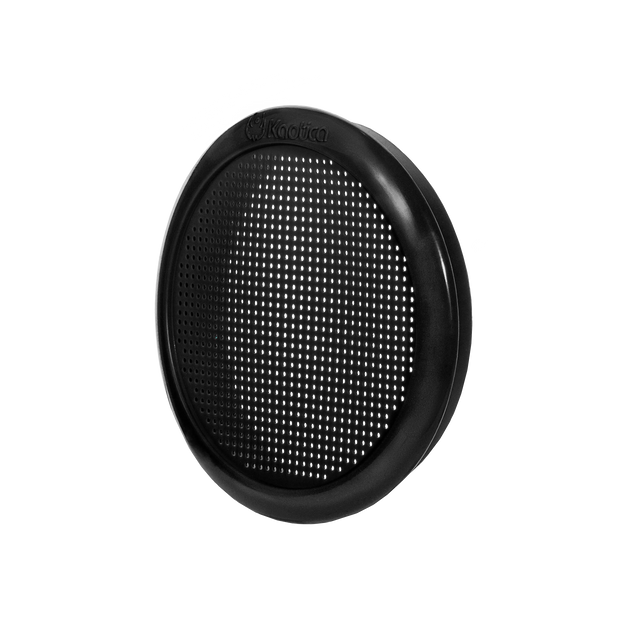
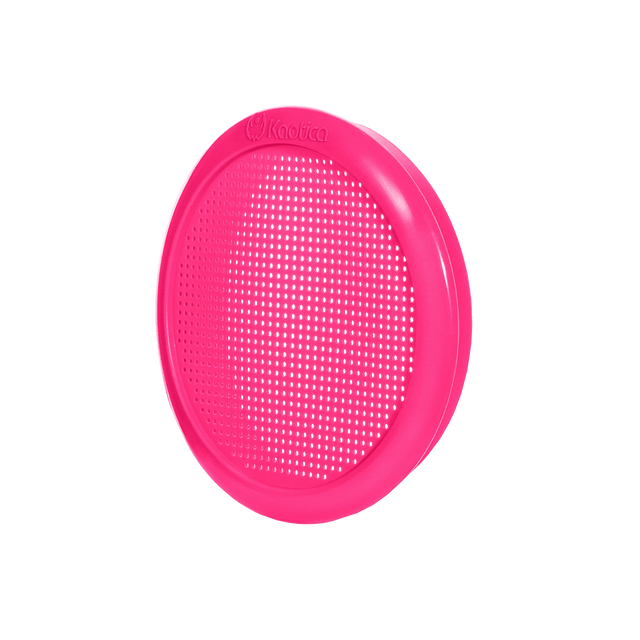
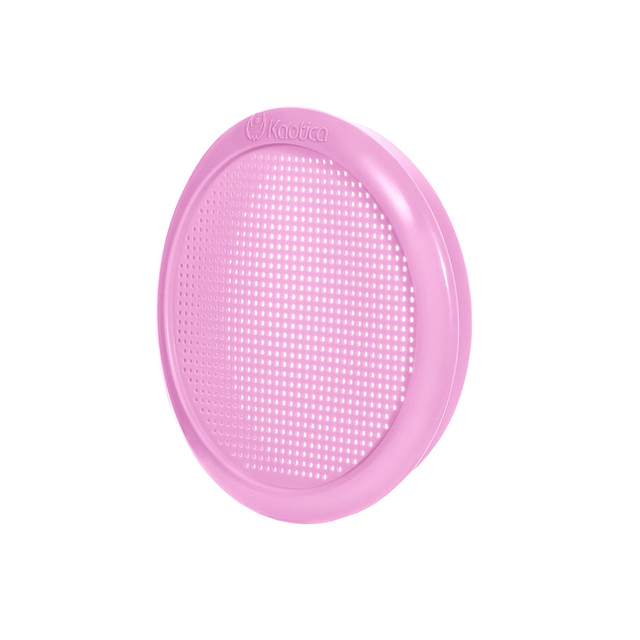
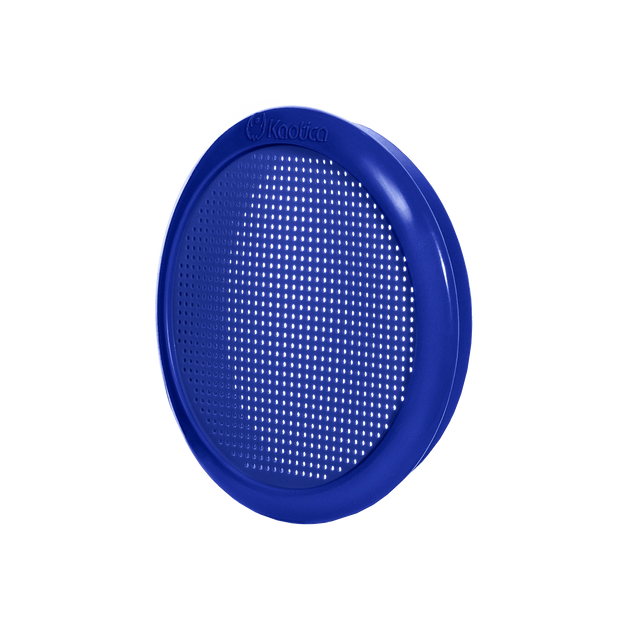
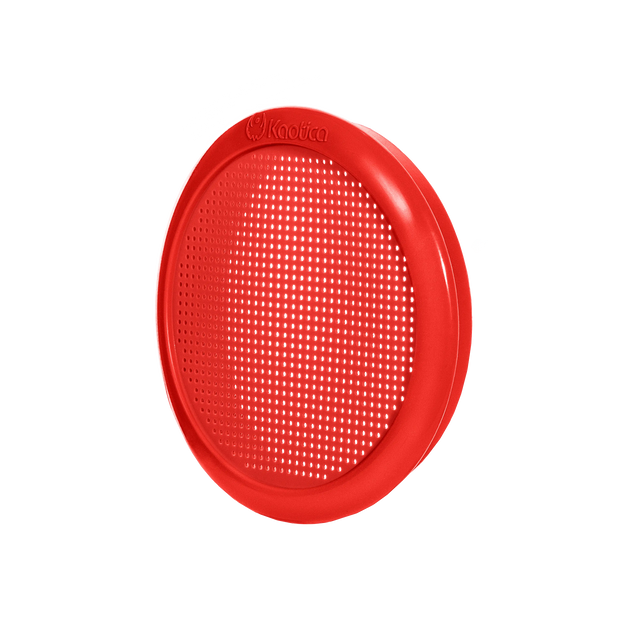
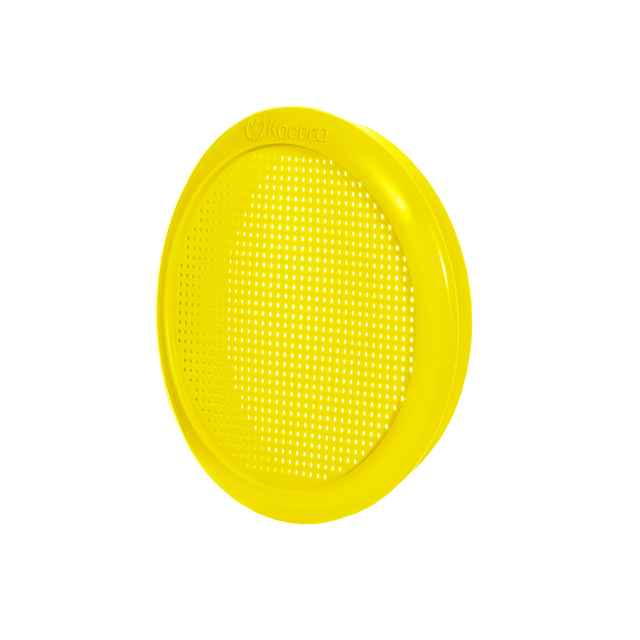
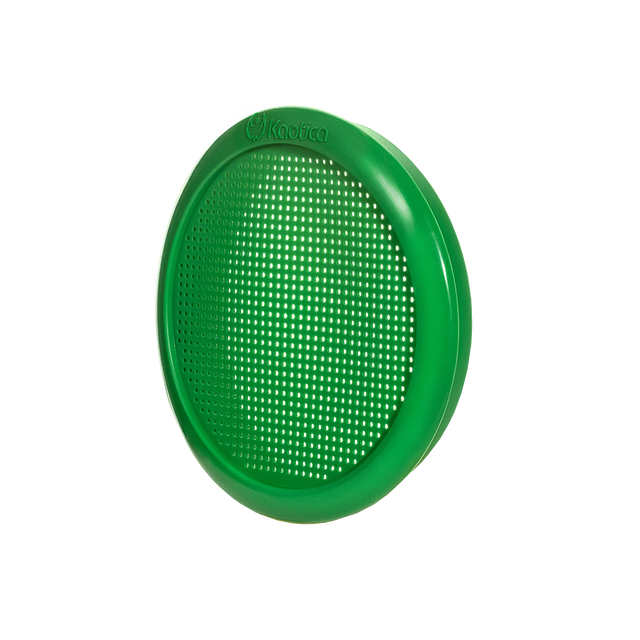
We built Kaotica to help creators get cleaner, more focused recordings in real-world spaces.
Our microphone isolation approach is designed to reduce unwanted room influence around the mic so the recording starts stronger before it reaches your interface, DAW, or editing tools.
That is why Kaotica works so well in spaces where full acoustic treatment is not practical.
We are not trying to replace studio construction.
We are helping creators improve microphone performance in the spaces they already use.
Why cheap fixes can hurt your sound
Not every product that claims to improve recording quality actually helps.
Cheap generic foam shields can often create a hollow, dark, muffled, or boxy result. Instead of preserving the natural tone of the voice, they can make the recording sound more closed-in and harder to mix.
That is why improving microphone sound quality is not just about reducing sound around the mic.
It is about reducing the right problems while preserving clarity, tone, and detail.
Cleaner should still sound natural.
Why cleaner input matters for modern workflows
Today’s editing and AI tools are powerful, but they always work better when the original recording is already clean.
If the source is full of reflections, ambience, and room interference, software has to work harder. That often leads to more artifacts, more aggressive processing, and less natural results.
Cleaner input gives you:
-
better enhancement
-
fewer artifacts
-
less over-processing
-
faster post-production
-
more professional final results
The better the source, the better the outcome.
Final answer
If you want to improve microphone sound quality without acoustic treatment, do not start by trying to fix the whole room.
Start by improving what the microphone hears.
Reduce unwanted room reflections at the source. Capture a more direct, focused vocal. Use a solution designed to improve the acoustic environment around the mic without damaging tone or clarity.
That is how you get better microphone sound in real-world spaces without building a full studio.